
Routers
The backbone of your high-speed internet experience.
Your internet speed is only as good as the router delivering it.
At 360Net, we provide a range of cutting-edge routers designed to maximise the potential of your HyperNet or Fibre connection. Whether you're streaming, gaming, working from home, or running a smart home, the right router makes all the difference.
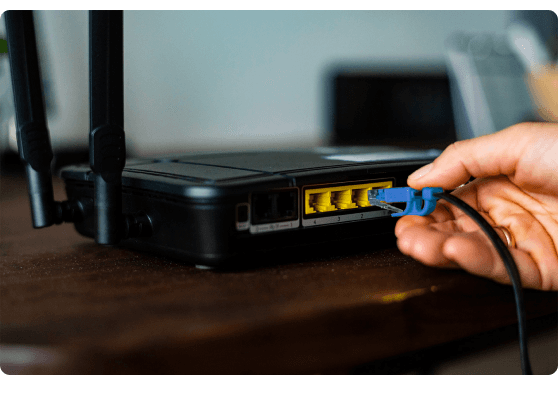
Why The Right Router Matters
Not all routers are created equal. The right router ensures you get the full speed and reliability of your 360Net connection. Here's why features like Wi-Fi 6, Wi-Fi 6E, the new 6GHz band, and the latest Wi-Fi 7 technology matter:
- Wi-Fi 6/6E: Wi-Fi 6 delivers significant improvements in speed, capacity, and latency. With Wi-Fi 6E, the addition of the 6GHz band provides even more spectrum, reducing congestion and offering faster speeds with lower latency, especially in dense homes with many connected devices.
- Wi-Fi 7: The newest Wi-Fi standard, Wi-Fi 7, builds on these advancements with ultra-fast speeds, extremely low latency, and enhanced capacity for more devices on the network. It's designed for the most demanding applications, including large smart homes and high-performance gaming setups.
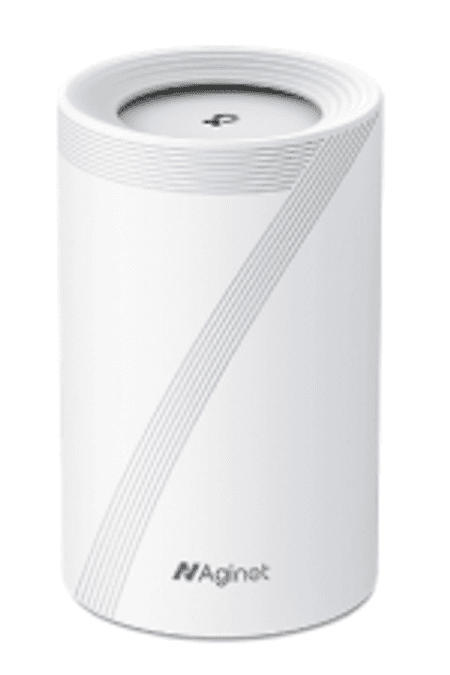
$TBA
TP-Link BE6500 Whole Home Mesh Wi-Fi 7 System
Future-Proof Your Home with Wi-Fi 7
- Up to 6.5Gbps
- Wi-Fi speeds up to 6.5 Gbps across 5 GHz and 2.4 GHz bands with lower latency and better online experiences
- Connect over 200 devices simultaneously
- 2 LAN ports (1Gbps each), 1 LAN port (2.5Gbps), 1 WAN port (2.5Gbps)
Purchase this router with a plan at checkout
View Plans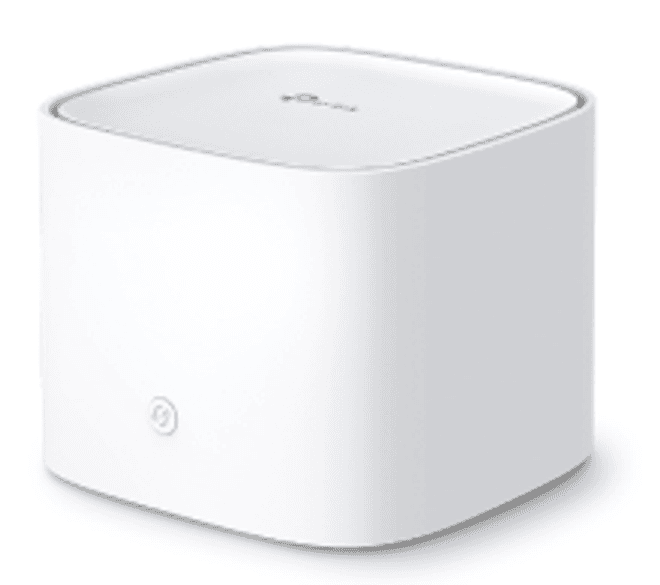
$134.99
TP-Link AX3000 Whole Home Mesh Wi-Fi System
Advanced Mesh Powered by Wi-Fi 6
- Up to 3.0Gbps
- Dual-band Wi-Fi 6 (2.4GHz and 5GHz), enhanced security features
- Multiple units form a whole-home network for buffer free streaming and gaming
- 2 LAN ports (1Gbps each), 1 WAN port (1Gbps)
Purchase this router with a plan at checkout
View PlansMaximising Your Internet Speed
To get the best performance from your 360Net connection, consider these tips:
Upgrade Your Router
Using a modern router like the Mercusys M47BE ensures you're equipped with the latest technology, including support for the 6GHz band, to handle high-speed connections.
Optimise Placement
Position your router centrally in your home, away from obstructions and interference sources, to improve Wi-Fi coverage.
Use Wired Connections
For critical devices that require the highest speeds and stability, use Ethernet connections whenever possible.
Manage Connected Devices
Disconnect devices that aren't in use, or set up quality-of-service (QoS) rules on your router to prioritize bandwidth for essential activities.